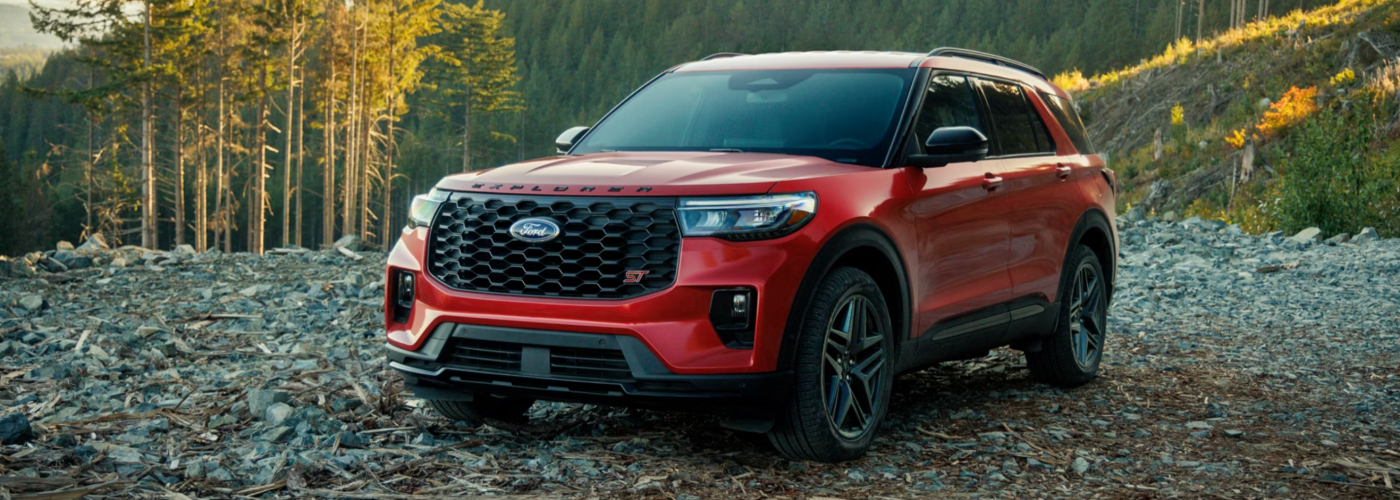
2026 Explorer feature guide • Weber Ford • Granite City
The 2026 Ford Explorer uses different driver-assistance packages across its lineup. Active 100A and Active start with Ford Co-Pilot360 Assist+, while ST-Line, Tremor, ST and Platinum use Assist 2.0. BlueCruise is a separate equipment-and-service question. Use this guide to prepare a demonstration of the actual Explorer you are considering at Weber Ford near St. Louis.
The following map comes from Ford’s 2026 Explorer order guide and current model information. It describes factory equipment groupings, not a promise about a particular used vehicle or the status of an active service plan.
| Trim | Standard assistance suite | Camera and parking highlights | BlueCruise equipment check |
|---|---|---|---|
| Active 100A | Co-Pilot360 Assist+ | Rear-view camera and rear parking sensors. | Not listed as an option in the reviewed Active guide. |
| Active 200A | Co-Pilot360 Assist+ | Rear-view camera and rear parking sensors. | Not listed as an option in the reviewed Active guide. |
| ST-Line | Co-Pilot360 Assist 2.0 | 360-degree camera, front sensors and Reverse Brake Assist. | Optional required hardware/service configuration. |
| Tremor | Co-Pilot360 Assist 2.0 | 360-degree camera, front sensors and Reverse Brake Assist. | 2.3L: optional hardware; 3.0L: hardware included. Verify service status. |
| ST | Co-Pilot360 Assist 2.0 | Inherits ST-Line assistance equipment. | Hardware included; verify active trial or purchased service. |
| Platinum | Co-Pilot360 Assist 2.0 | 360-degree camera, front sensors and Reverse Brake Assist. | Hardware included; verify the included/purchased service and remaining term. |
Ford lists adaptive cruise control with Stop-and-Go and Lane Centering, BLIS blind-spot information with Cross-Traffic Alert, Exit Warning and trailer coverage, and Pre-Collision Assist with Automatic Emergency Braking in the 2026 Active assistance suite. It also lists lane-keeping functions, auto high beams, intersection assistance and other driver aids.
These names describe different tasks. Adaptive cruise helps manage the selected speed and following gap within its operating conditions. Lane-centering support is different from a lane-departure warning. Automatic emergency braking is a support feature with detection and operating limits, not a guarantee that a collision will be avoided.
Ask the team to identify the installed feature names and explain their indicators, settings and limitations using the actual vehicle’s instructions. A generic “safety package” description is not enough to know what the vehicle can help you do.
Ford’s 2026 ST-Line information identifies the 360-degree camera as standard. The order guide also lists front parking sensors, Reverse Brake Assist and Predictive Speed Assist among the additions over Assist+.
| Feature | Useful question for the demonstration |
|---|---|
| 360-degree camera | Which views are available, and what areas remain outside the cameras’ coverage? |
| Front and rear parking sensors | How are alerts displayed, and what limitations apply near small or low objects? |
| Reverse Brake Assist | When can the system assist, and how does it differ from an audible parking alert? |
| Predictive Speed Assist | Which settings and conditions affect how it uses road information? |
A vehicle having adaptive cruise and lane centering does not by itself mean it can use BlueCruise. BlueCruise requires the appropriate vehicle hardware, eligible software and active service. The 2026 order guide distinguishes optional equipment on ST-Line and 2.3L Tremor from included hardware on 3.0L Tremor, ST and Platinum.
On an equipped vehicle, verify the actual activation or subscription status and ask which version is installed. Included periods and purchased plans differ; a used listing’s model year does not tell you how much service remains. Do not assume a missing hardware configuration can be enabled by purchasing a subscription.
BlueCruise is driver assistance for eligible roads and conditions. The driver must remain attentive and ready to take control. Ask for an explanation of status indicators and handoffs; do not treat “hands-free” as permission to look away or perform another task.
Airbags, seat belts and child-restraint mounting provisions belong in the same vehicle review, but they do not replace checking the actual seating arrangement. Set the driver and front-passenger seats first, then evaluate access to the second and third rows.
Use the vehicle and child-seat instructions to confirm installation positions and access. Consider whether a second-row bench or captain’s-chair arrangement works with the passengers and cargo you regularly carry. Do not infer that a particular combination of child seats fits simply from the Explorer’s maximum passenger count.
Use the 2026 Explorer trim comparison for the broader equipment decision and the Explorer dimensions and cargo guide when seating and luggage space determine the purchase.
For a used Explorer, ask about warning messages, windshield replacement, collision repairs and any camera or sensor work in the available records. The presence of hardware does not prove that every function is operating correctly. Have concerns evaluated before purchase.
Use the VIN for recall information and ask how any open campaign will be handled. When reviewing crash-test information, match the model year, body and tested configuration. A list of available assistance features is not a crash-test award or proof that one vehicle is the safest.
No. Ford lists adaptive cruise with Stop-and-Go and Lane Centering in Assist+, the standard suite on 2026 Active 100A and Active. Verify the actual vehicle and operating requirements.
No. The reviewed guide lists it with Assist 2.0 on ST-Line, Tremor, ST and Platinum. Active configurations list the rear-view camera instead.
No. Verify BlueCruise hardware, software and service status separately. Trim and engine affect the factory equipment options, and an installed system may need an active plan.
No. Use a parked explanation and the manufacturer’s instructions. Do not create a collision scenario to demonstrate a safety feature.
No. It explains equipment. Review the relevant testing organization’s results for the exact model year and configuration separately.
Send the vehicle and your priority features before traveling to Weber Ford at 3465 Progress Parkway, Granite City, IL 62040. Call 618-452-5400 to confirm availability and arrange a demonstration that covers the systems, passenger space and everyday controls you will use.