


Ford Connectivity Package Near St. Louis
The Ford Connectivity Package
Wi-Fi®. Apps. Maps.
Everything you need to stay completely connected, on any device.1 Included for a year. Activation required. Contact Weber Ford for more information.
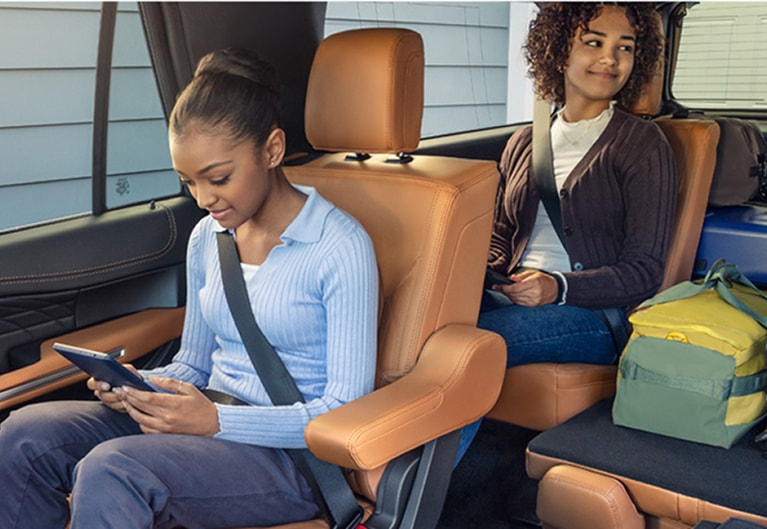
Wi-Fi® Hotspot
Powerful Wi-Fi® Hotspot that keeps you and your family connected and entertained on the road. Connect up to 10 devices at a time, within a 50-foot radius of your Ford.
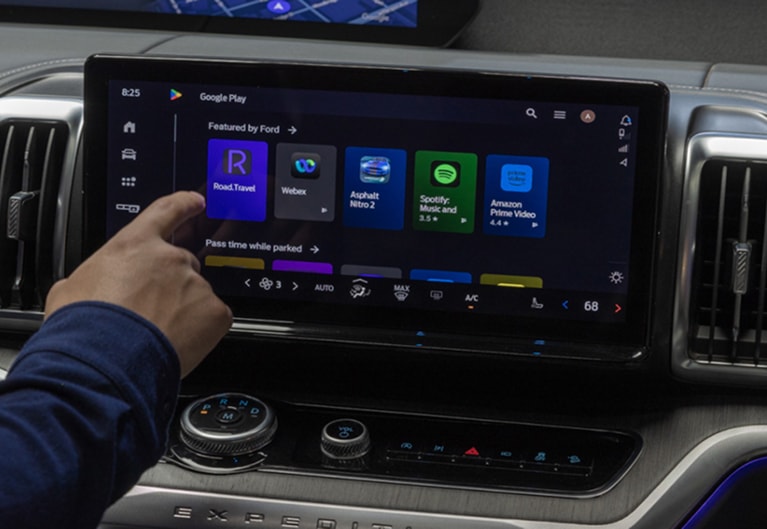
Entertainment
Enjoy downtime while charging or waiting in the pick-up line with premium streaming on Max, Prime Video, and Peacock directly on your center screen while parked.2
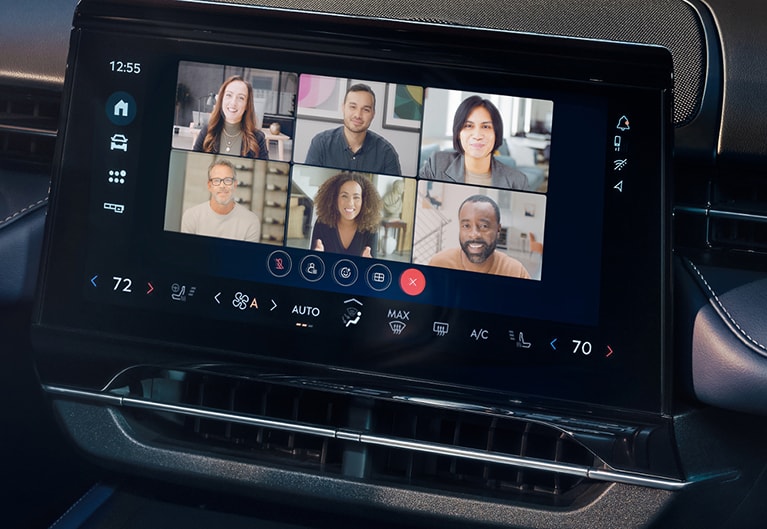
Productivity
Turn your vehicle into a productivity center with video conferencing while parked, and audio conferencing when driving. Webex available for download.
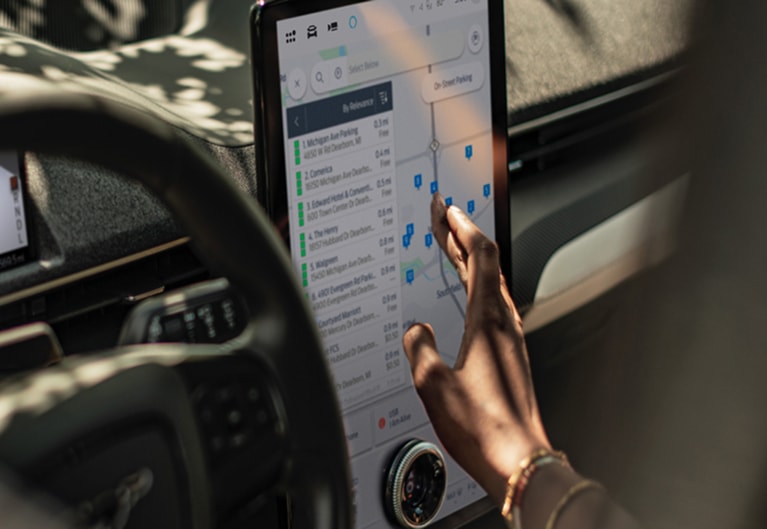
Maps
Integrated Google Maps with all your favorite destinations without ever plugging in your phone.
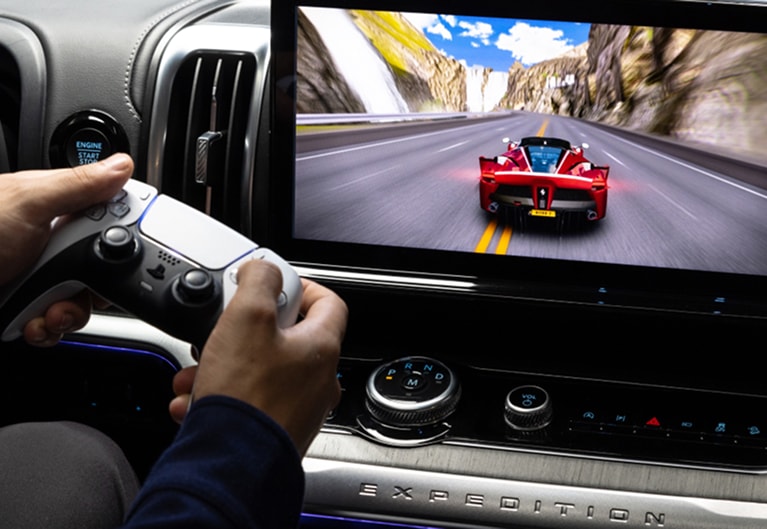
Gaming
Game on the go by downloading popular games from the Google Play Store like Asphalt Nitro 2 and Angry Birds, while parked.
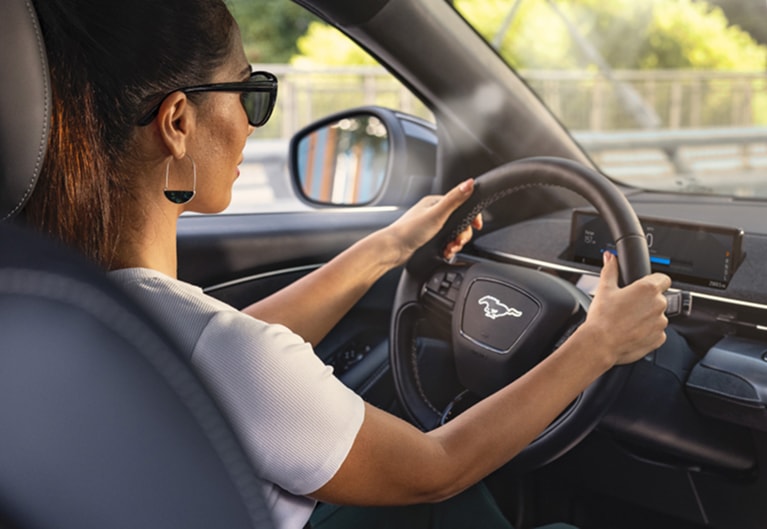
Voice Assistant
Feel the comforts of home with voice commands providing the latest news, songs, and navigation with Google Assistant or Alexa Built-in3.
Weber Ford • Granite City • St. Louis area
Check what connectivity includes on your Ford
A Ford Connectivity Package can support in-vehicle Wi-Fi, navigation and entertainment, but the available functions depend on the vehicle and equipment. Start with the model year, trim and VIN so you can compare the features and plan that actually apply to your Ford.
Three things to confirm before choosing a plan
A vehicle’s screen, connected-service plan and smartphone connection are separate parts of the experience. Ask which feature you want to use, whether the vehicle has the required equipment, and whether that feature needs an active plan.
| Your question | What to check | Where to continue |
|---|---|---|
| Can this Ford provide a Wi-Fi hotspot? | Vehicle eligibility, modem activation, plan status and cellular coverage. | Review the actual VIN and connected-service account. |
| Will navigation or streaming work on the center display? | The installed infotainment system, supported apps and included connected functions. | Use the feature list for the exact model, trim and equipment. |
| Can I lock or start the vehicle from my phone? | Ford app connection and the remote features supported by that vehicle. | Use our Ford app setup guide. |
The same package name can cover different features
Ford’s current Connectivity Package comparison separates vehicle families and trims. For example, its 2026 Explorer and Expedition entries show Google Maps, while its 2026 F-150 entries use Connected Navigation with applicable equipment. A feature pictured on one Ford should not be assumed to appear on another.
Ask to see the navigation, voice-assistant and app functions on the vehicle you are considering. Some entertainment functions are available only while parked. A supported streaming app can also have its own account or subscription requirements.
For broader screen and navigation research, see our SYNC and connected-navigation guide. For eligible vehicles to compare, browse new Ford inventory and verify the equipment on each listing.
Review the plan attached to the vehicle
Check the included period, activation requirements, renewal option and current terms shown for your vehicle. Ford offers different payment choices on eligible vehicles; the amount and availability should be confirmed through the current Ford offer and purchase process.
A one-time purchase and a recurring plan have different cancellation and transfer rules. When buying a used Ford, ask what remains with that VIN and what requires your own activation. Do not assume the previous owner’s connected account or monthly plan transfers to you.
The current Ford terms control eligibility, duration and billing. Review them before enrolling, and keep the confirmation with your vehicle records.
Activate the vehicle connection, then the eligible package
First add the vehicle to the Ford app and complete the modem authorization for an equipped vehicle. Our Ford app guide covers that first connection.
Ford’s current package guidance then directs eligible customers to Connected Services in the app and the activation option for the Connectivity Package. A one-time purchase can follow a different activation path. Use the instructions shown for your account and vehicle.
If the package tile is missing, bring the VIN, model year, app version and the exact message to the support discussion. Confirm eligibility and connection status before assuming the vehicle needs a repair.
Questions about Ford connectivity
Does the Ford app require the Connectivity Package?
Ford describes supported remote app features as complimentary on eligible, connected vehicles. The Connectivity Package covers a separate set of in-vehicle connected features. Check the function you need and the equipment on your Ford.
Can I transfer a plan to a different Ford?
Ford ties the package to the specific vehicle. Recurring and included plans do not move to another Ford. A one-time purchase has its own vehicle-linked term; check the current Ford terms and the VIN before buying.
Will every feature work everywhere around St. Louis?
Operation depends on the vehicle, plan, software and connection. Cellular coverage and other operating conditions can affect availability. Confirm the functions you need for your regular routes rather than relying on a general feature list.
Bring us the vehicle and the feature you want to use
Contact Weber Ford with the VIN or stock number and tell us whether you need hotspot, navigation, app or activation help. Our dealership is at 3465 Progress Parkway, Granite City, IL 62040, serving drivers across the St. Louis area.